Insights, Guides & Free Tools
Practical ecommerce playbooks and free tools for planning creative, reading performance, and turning connected data into action.
Klaviyo Abandoned Cart Flow: Audit Before You Change the Journey
Audit a Klaviyo abandoned cart flow before changing timing or content. Document ownership, eligibility, exit rules, consent, and test evidence across Shopify and Klaviyo.

Shopify Cohort Analysis: Read Retention Data and Choose the Next Action
Read Shopify cohort analysis without treating every heatmap change as a campaign signal. Use cohort age, definitions, and evidence to prepare a safe retention review.
Shopify Customer Lifetime Value: Calculate, Segment, and Act
Calculate Shopify customer lifetime value from a named cohort and time window, then use it to prepare a reviewable acquisition or retention decision.
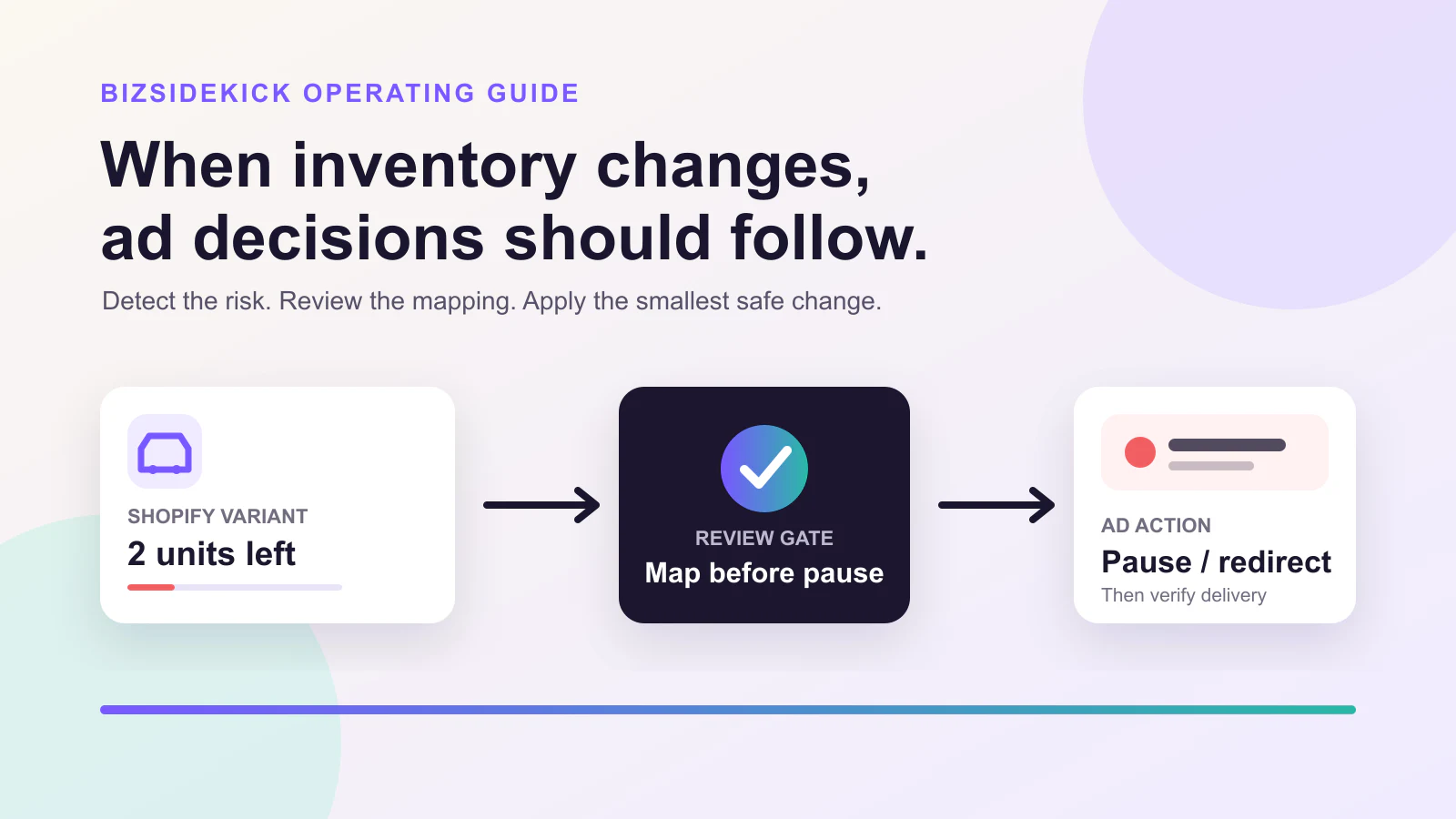
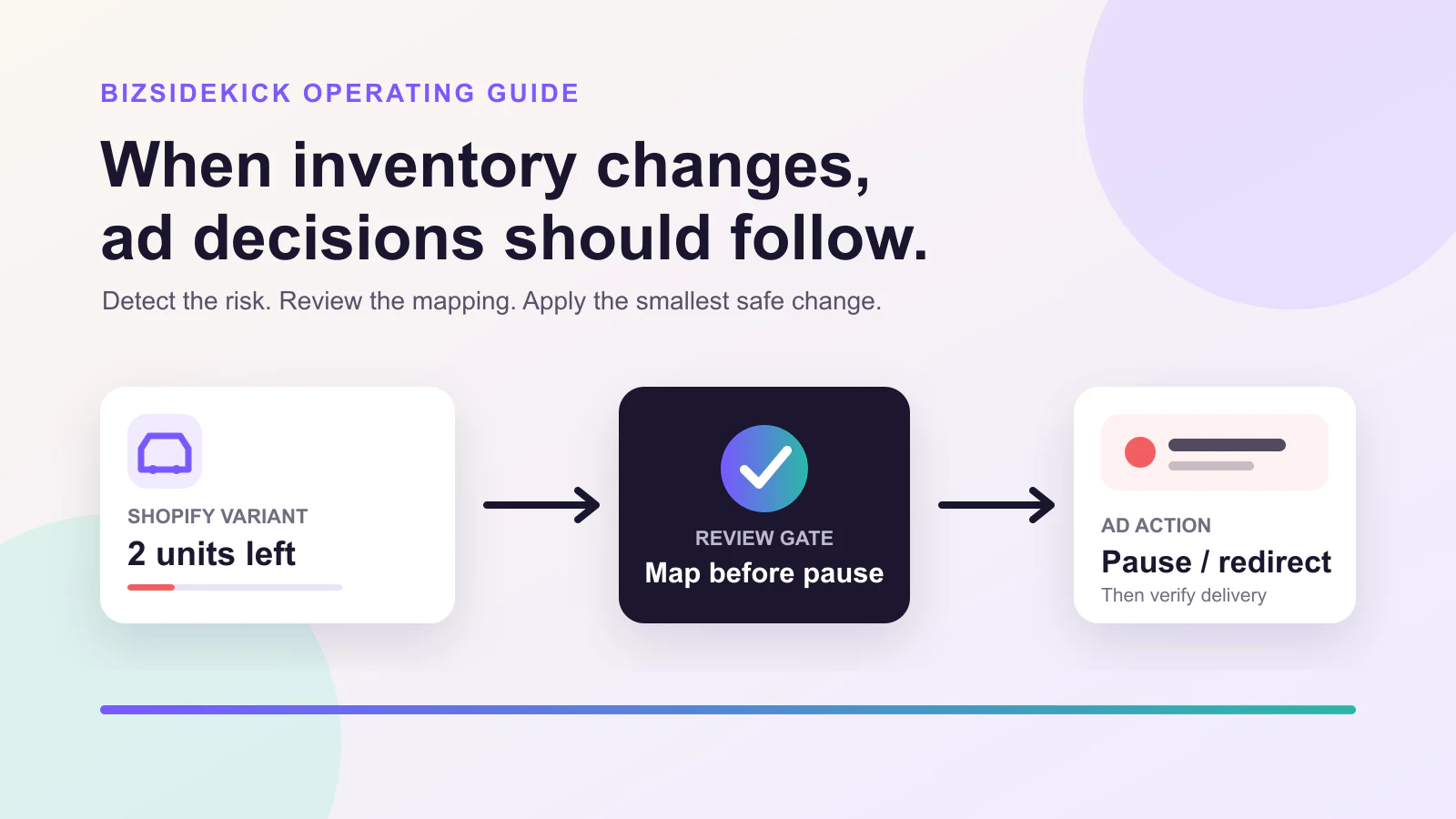
How to Stop Ads When a Shopify Product Is Out of Stock
Use inventory evidence, replenishment rules, and a reviewable channel workflow to stop spend without pausing healthy products by mistake.
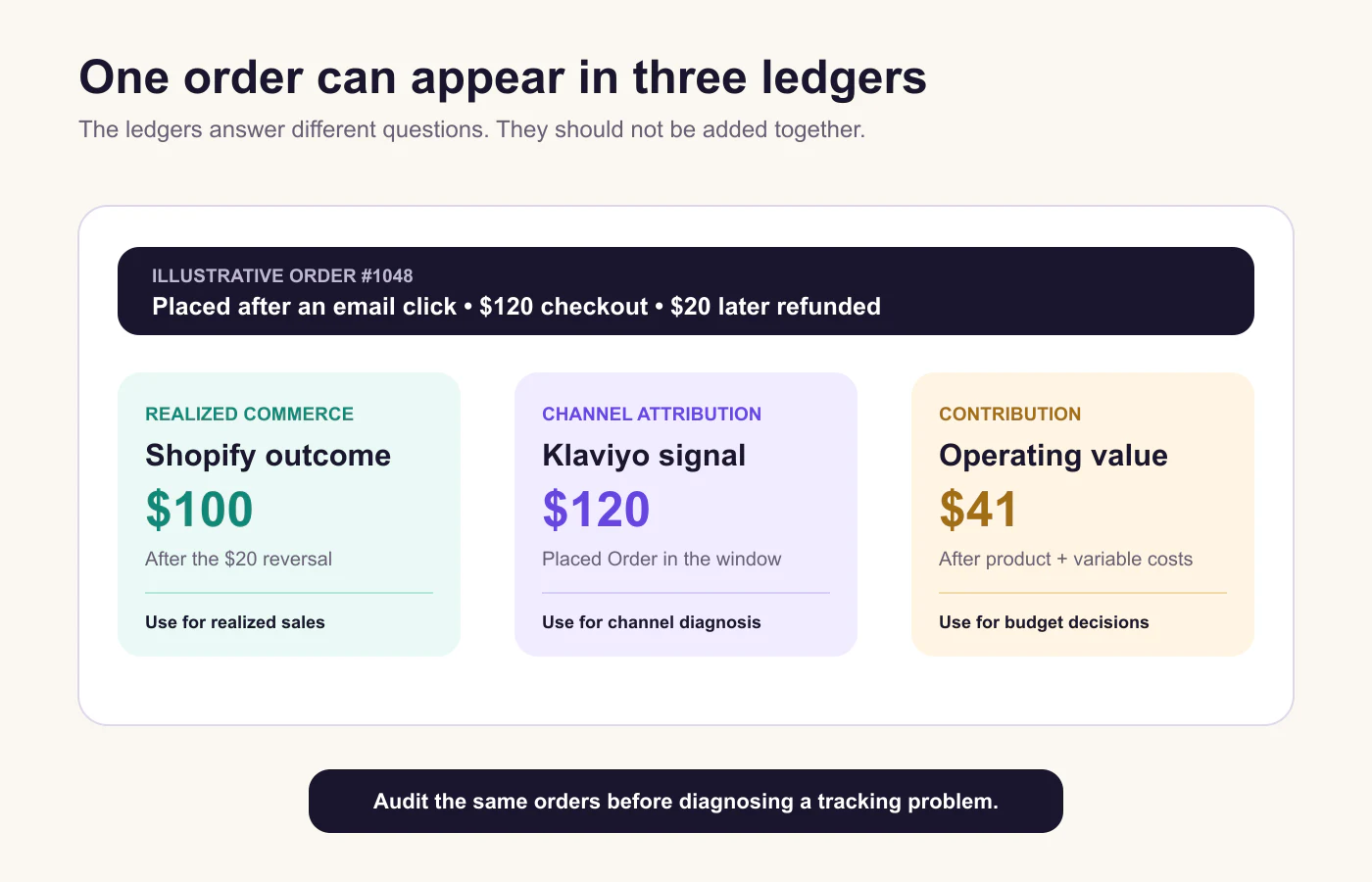
Klaviyo MCP: Start With a Read-Only Retention Review
Use Klaviyo MCP to investigate retention questions from authorized data, define the audience and evidence window, and route any change through review.
Meta Ads MCP: A Governed Workflow for Ecommerce Campaign Analysis
Use a Meta Ads MCP connection to prepare a bounded campaign review, then confirm every provider-side action with current account evidence.
Shopify and QuickBooks Reconciliation: A Payout-First Checklist
Reconcile Shopify Payments and QuickBooks from a defined payout period, then explain fees, refunds, disputes, and timing before changing the books.
Google Analytics MCP for Ecommerce: A Safe Read-Only Reporting Workflow
Use Google Analytics MCP to investigate ecommerce reporting questions with a clear scope, a read-only evidence trail, and a human-owned decision.
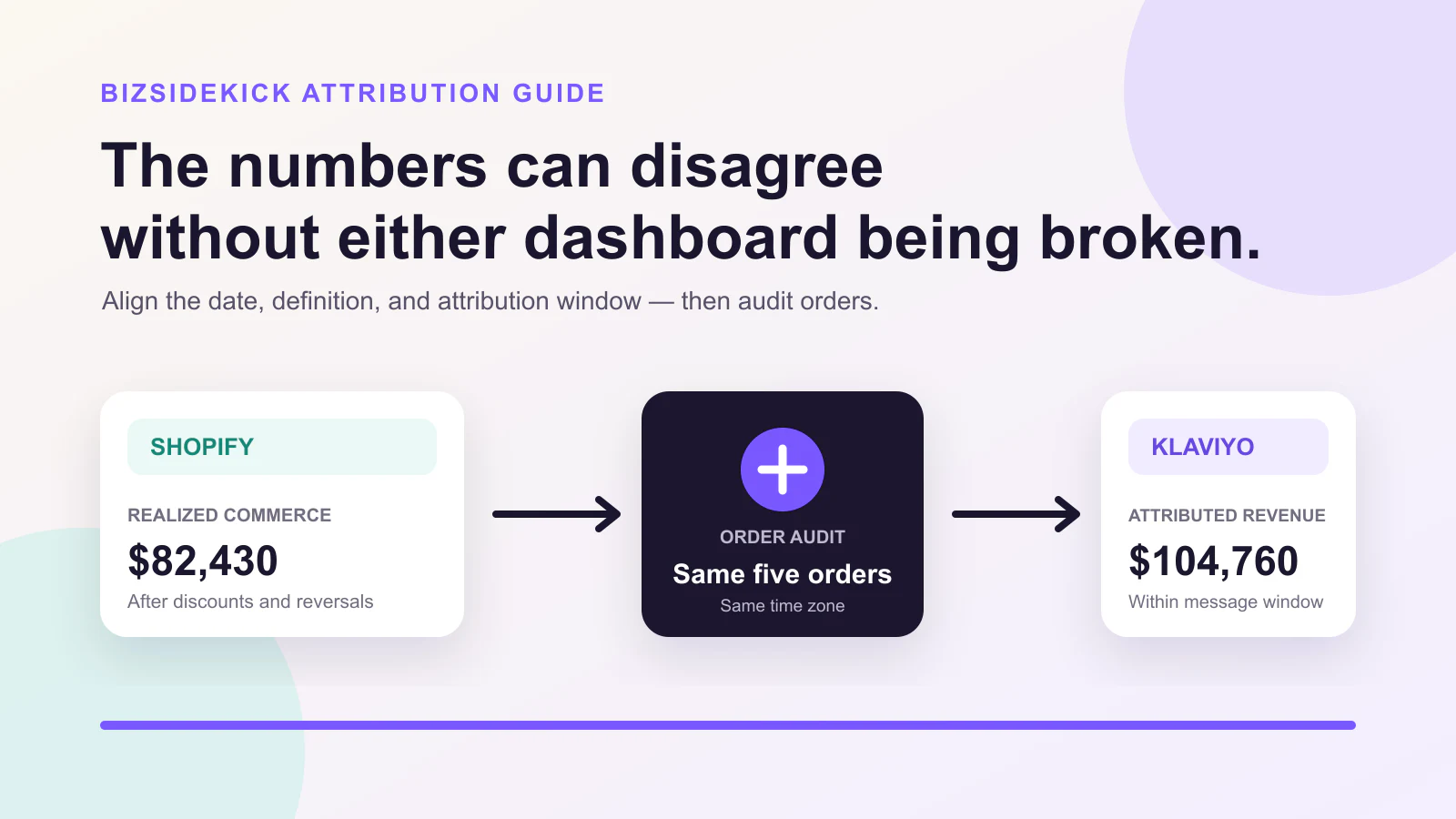
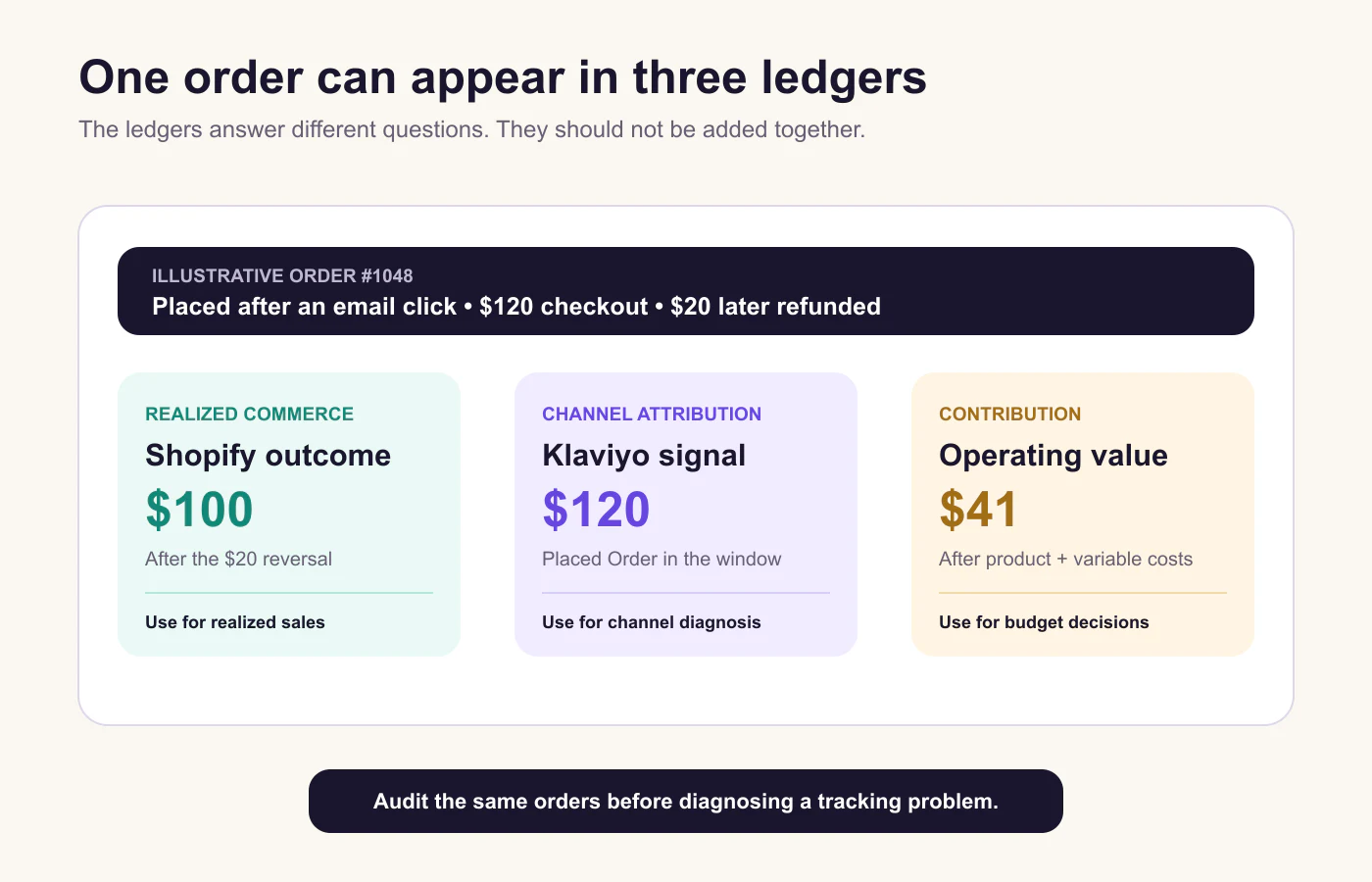
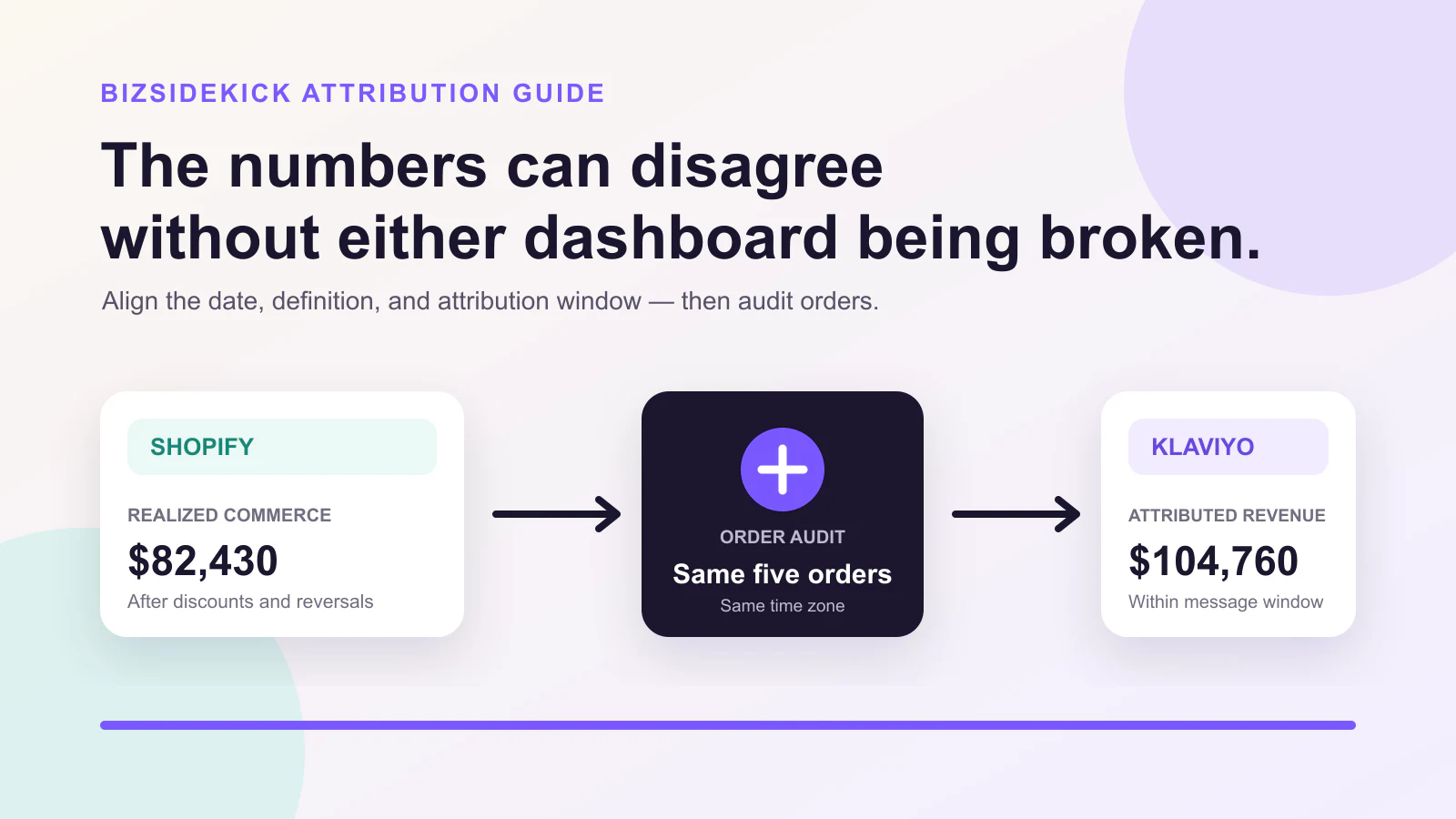
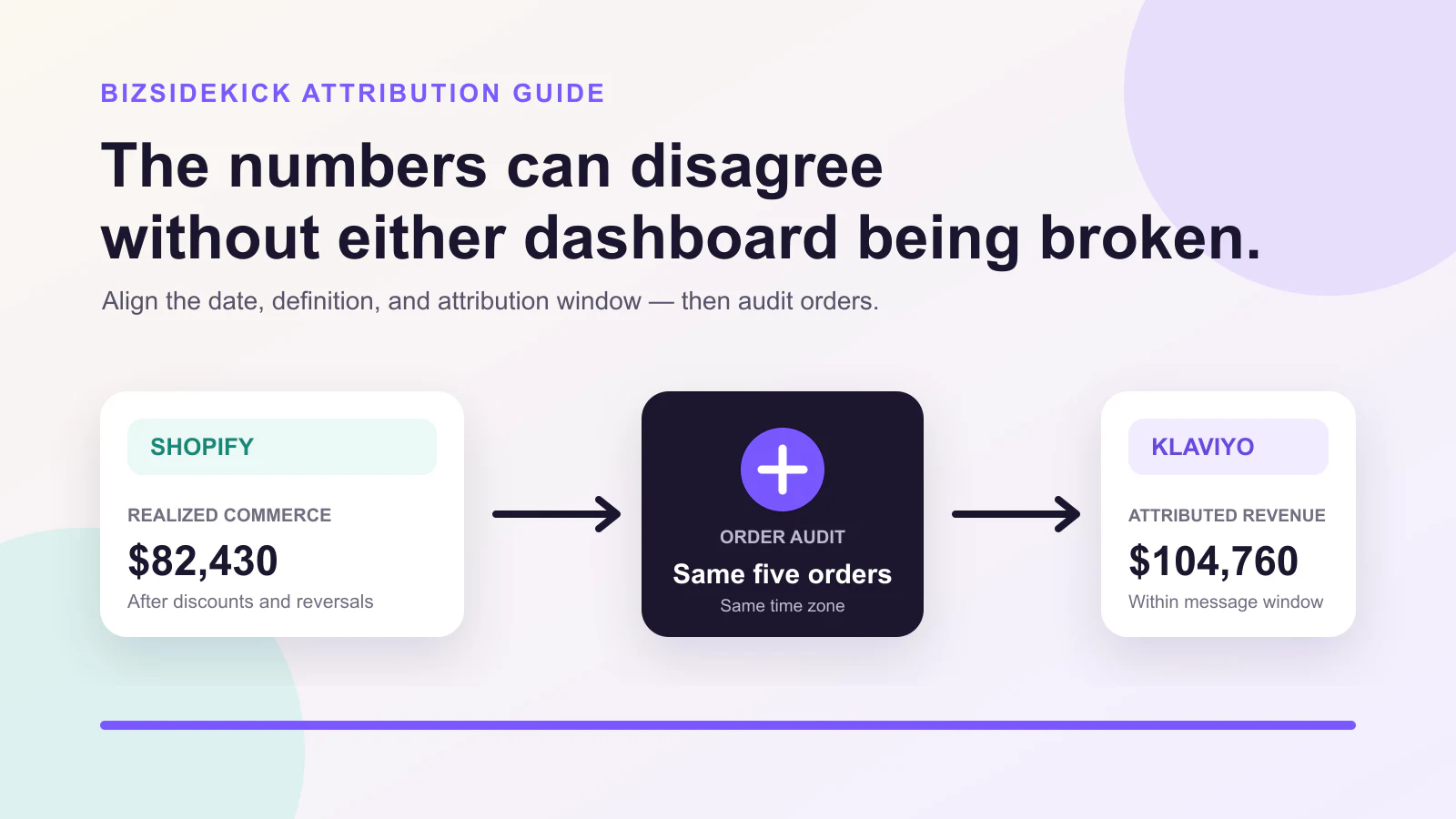
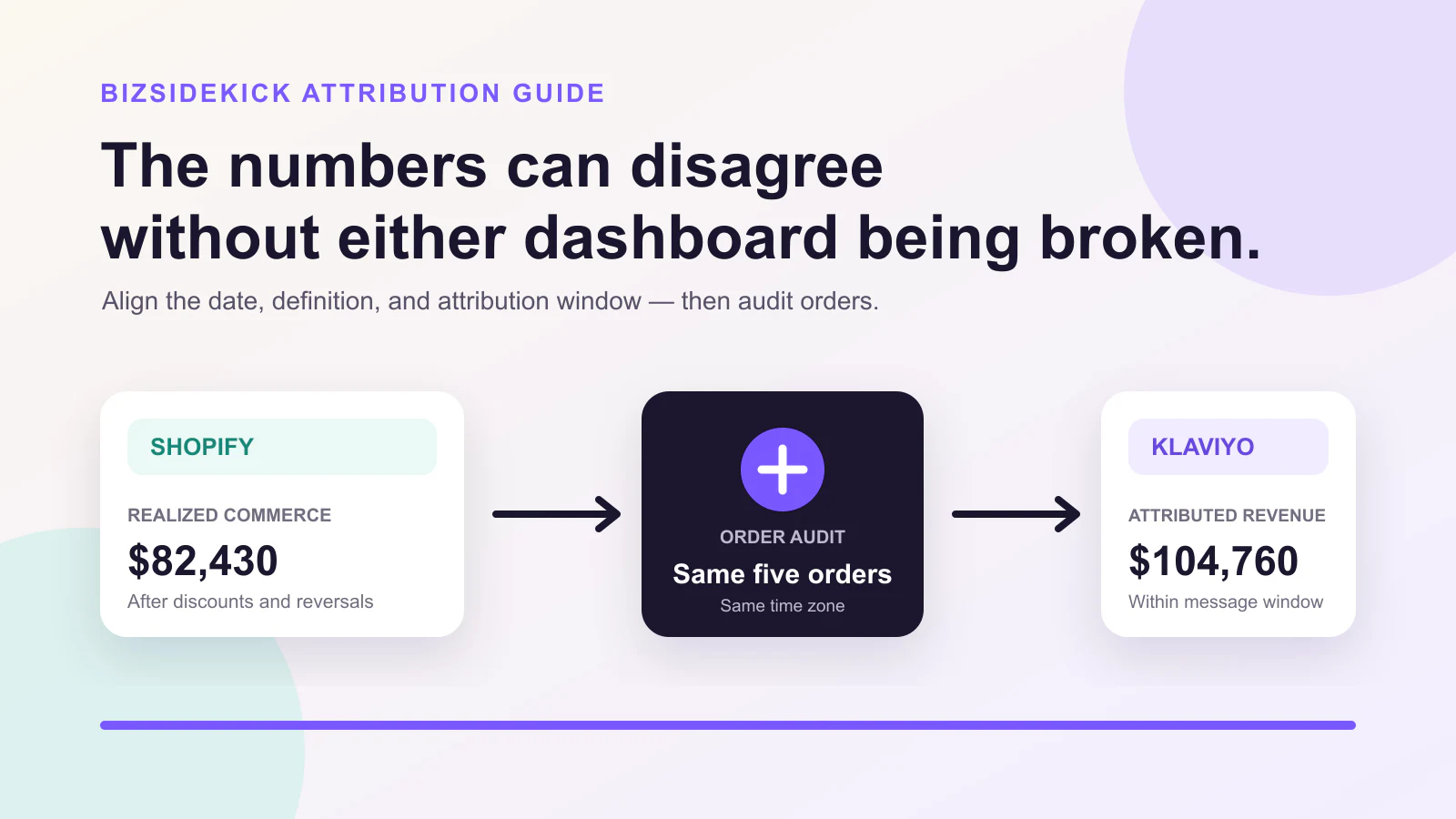
Klaviyo vs Shopify Revenue: Why the Numbers Do Not Match
Align revenue definitions, attribution settings, refunds, dates, and order-level evidence before deciding whether a mismatch is expected or broken.
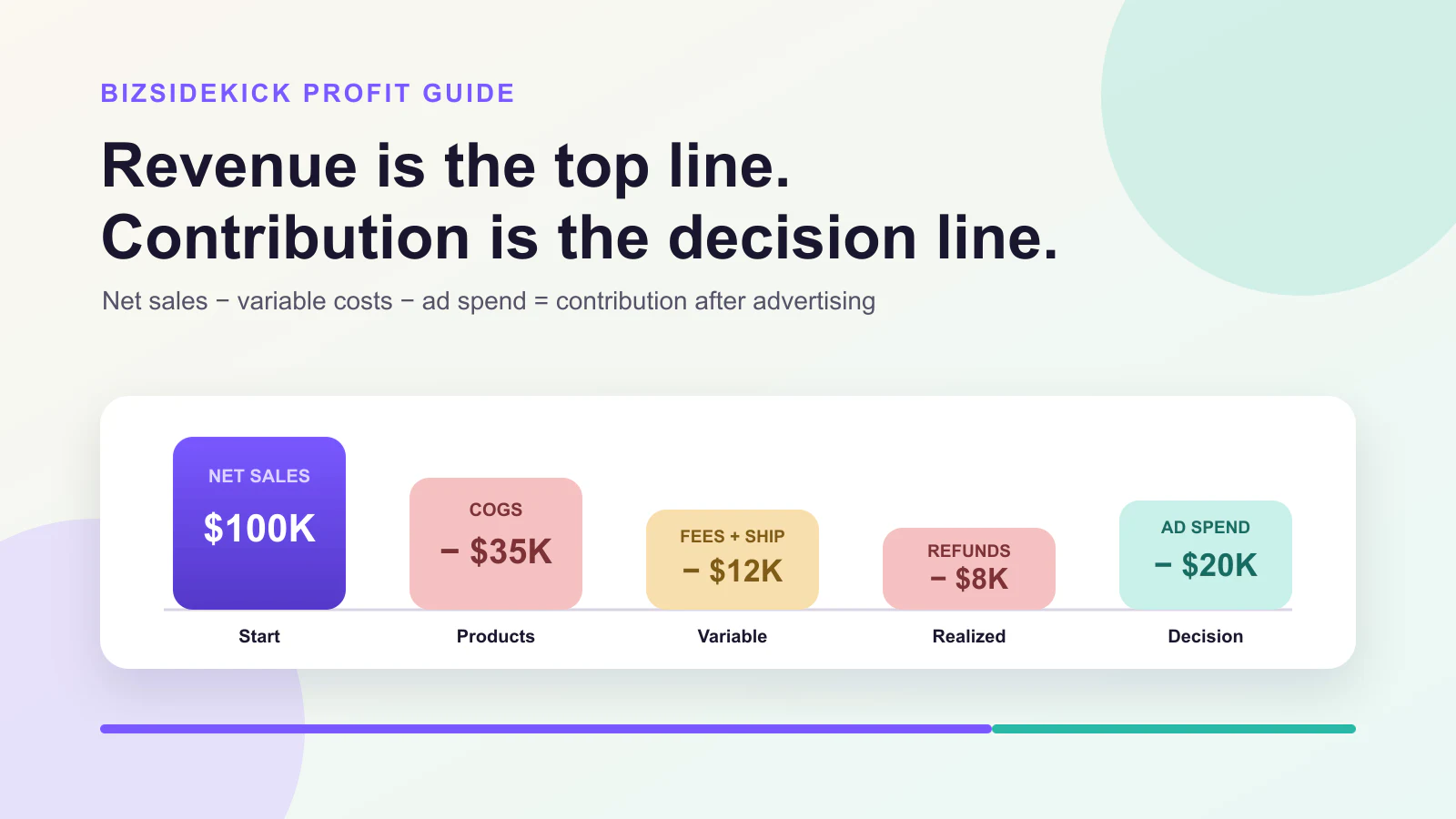
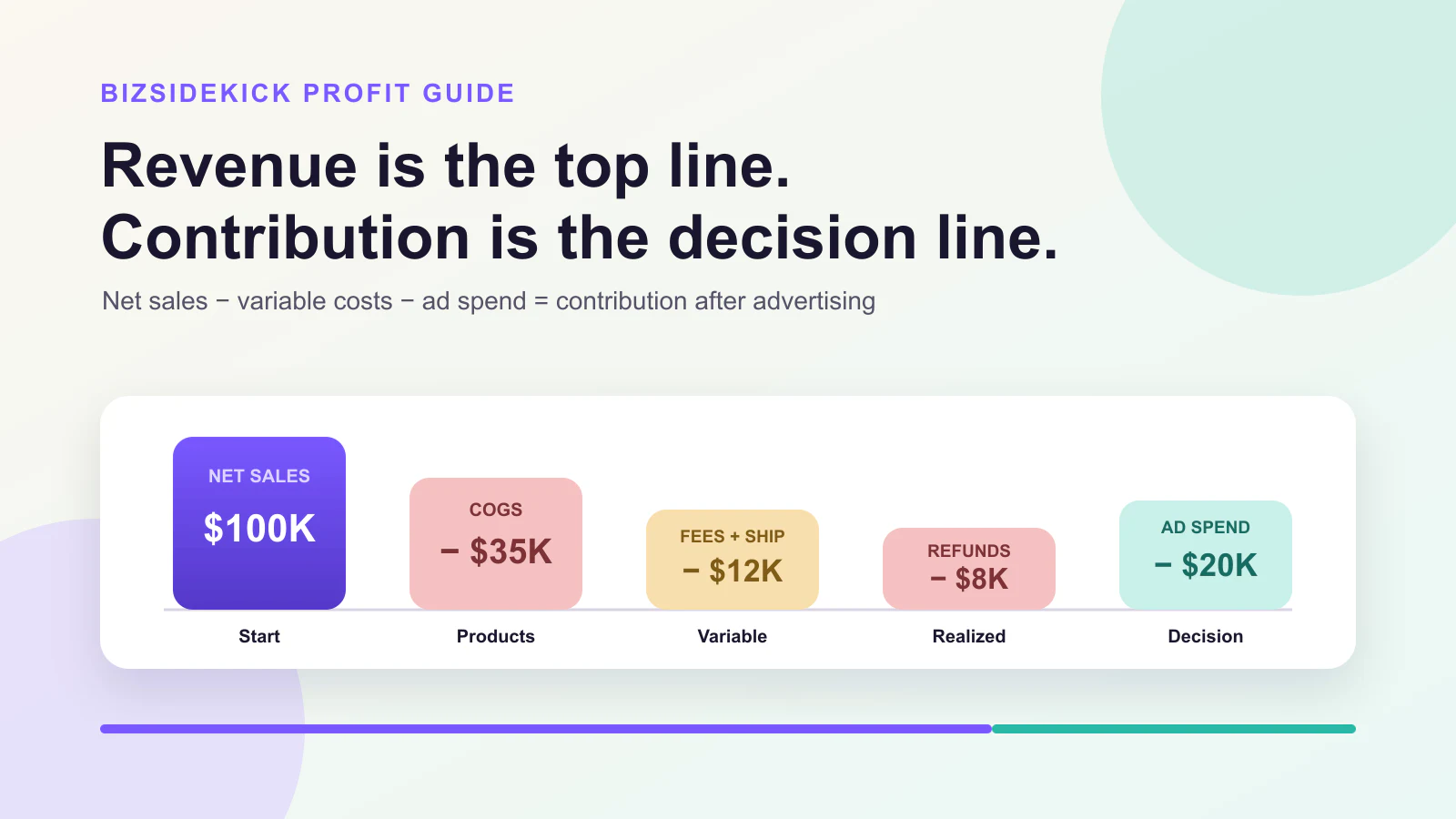
How to Calculate Shopify Profit After Ads, COGS, Fees, and Refunds
Build a contribution view from Shopify sales, product costs, fees, fulfillment, returns, and ad spend before deciding to scale.
Engagement Rate Calculator
Free Engagement Rate Calculator by Reach or Impressions
Calculate engagement by reach, impressions, followers, or views and separate saves and shares from total interactions.
CAC & LTV Calculator
Free Ecommerce CAC & LTV Calculator
Estimate acquisition cost, contribution-based customer lifetime value, LTV:CAC ratio, payback period, and a target maximum CAC.
Free Ads Audit
Free Ads Audit: Diagnose Campaign Performance
Calculate a directional campaign score, find the first bottleneck, and compare ROAS with break-even contribution using your own targets.
Ad Safe Zone Checker
Free Ad Safe Zone Checker for Meta, TikTok & More
Preview a local image or video against conservative UI overlays for Instagram, Facebook, TikTok, YouTube, and LinkedIn.
Ad Profit Calculator
Free Ad Profit Calculator: Break-Even ROAS, CPA & CPC
Project advertising profit, break-even ROAS, maximum CPA, and maximum CPC from your own conversion rate and ecommerce margin.
Pinterest Ads
Creative spec checker
Pinterest Ad Specs & Pin Sizes (2026): Free Checker
Check Pinterest image, video, carousel, shopping, and collection ads against current file, ratio, duration, and size rules.
Match the tool to the automation.
Compare native controls, code, protocol access, and connected agent workflows before you delegate work.
Best Google Ads Automation Tools & Software for 2026
Compare Google automated rules, Smart Bidding, Scripts, the Ads API, MCP, and connected AI agents by use case, control, setup, and data context.
Use ChatGPT with real ecommerce context
Install by prompt, ask a business question, review the evidence, and keep material actions behind approval.
ChatGPT for Ecommerce: A Step-by-Step Guide
Use ChatGPT for ecommerce analysis, marketing reviews, inventory decisions, and controlled actions after installing BizSidekick with one prompt.
Turn marketing questions into connected work
Research, analyze, prepare, and review marketing work in the same ChatGPT task.
How to Use ChatGPT for Marketing: Sales & Digital Marketing Guide
A practical guide to using ChatGPT for digital marketing, sales enablement, campaign analysis, content, and connected marketing operations.
Turn customer events into measured workflows
Choose the trigger, audience, evidence, action, approval, and success measure before launch.
Ecommerce Marketing Automation: How to Build 8 Workflows
Build eight ecommerce marketing automation workflows from real customer and business events, with the right evidence, measurement, and review controls.
Turn source material into a reviewable campaign
Install by prompt, connect the evidence, separate facts from interpretation, and prepare the next action.
Claude for Marketing: How to Run 7 Practical Workflows
Use Claude for marketing to turn brand documents, customer evidence, and connected performance data into briefs, analysis, and reviewed actions.
Turn store events into measured marketing
Choose one event, define eligibility, prepare the action, review the change, and measure the result.
Shopify Marketing Automation: How to Build 10 Workflows
Build Shopify marketing automation from real store events, connect the evidence each decision needs, and keep customer and account changes behind review.
Give marketing work evidence and boundaries
Connect the minimum sources, ask one decision, inspect the evidence, and review the proposed action.
AI Marketing Assistant for Ecommerce: A Practical Guide
Learn what an AI marketing assistant can analyze, prepare, and change across ecommerce tools—and how to keep evidence, permissions, and approvals visible.
Ask Shopify questions with current store context
Install by prompt, connect the store, ask one decision, review the evidence, and approve supported work.
ChatGPT for Shopify: How to Analyze and Act on Store Data
Install BizSidekick by prompt, connect the Shopify store you choose, ask evidence-backed questions, and review supported changes before they run.
Meta Ads
Creative spec checker
Meta Ad Specs & Sizes (2026): Facebook and Instagram Checker
Check Meta ad dimensions, aspect ratio, duration, format, and file size across eight Facebook and Instagram placements.
Google Ads
Creative spec checker
Google Display Ad Sizes (2026): Free Image Size Checker
Validate responsive display assets and the most common uploaded banner sizes, including landscape, square, vertical, leaderboard, and rectangle formats.
TikTok Ads
Creative spec checker
TikTok Ad Specs & Video Sizes (2026): Free Checker
Check vertical, horizontal, and square TikTok video ads for resolution, duration, format, and file size.
Snapchat Ads
Creative spec checker
Snapchat Ad Sizes & Specs (2026): Free Checker
Validate Snapchat single image, video, Sponsored Snap, Collection, and Commercial creative dimensions and duration.
LinkedIn Ads
Creative spec checker
LinkedIn Ad Specs & Sizes (2026): Free Checker
Validate LinkedIn single image, carousel, landscape video, square video, and vertical video creative before upload.
X Ads
Creative spec checker
X (Twitter) Ad Specs & Sizes (2026): Free Checker
Check X image, video, vertical video, and carousel creative for dimensions, ratio, duration, format, and file size.
YouTube Ads
Creative spec checker
YouTube Ad Specs & Video Sizes (2026): Free Checker
Validate bumper, skippable, non-skippable, in-feed, and Shorts video creative before building a YouTube campaign.
Choose AI by the ad job.
Bidding, creative, monitoring, investigation, and action need different kinds of AI.
Best AI for Google Ads in 2026: What to Use and When
Compare native Google AI, creative tools, automation software, copilots, and connected AI agents by the Google Ads job each one handles best.
Connect Google Ads to your AI workspace.
Understand the tools, permission boundary, and safest first task before you connect an account.
Google Ads MCP for ChatGPT and Claude — Start Free
Understand what a Google Ads MCP server can read, where write actions stop, and how to use Google Ads data safely in ChatGPT or Claude.
Analyze. Review. Act.
Connect Google Ads to store outcomes, then keep material changes behind an explicit approval step.
Google Ads Automation with an AI Agent — Start Free
Learn what to automate, what needs approval, and how to analyze and update Google Ads from ChatGPT or Claude with connected ecommerce context.
Build one workflow the business can trust
Define the trigger, evidence, decision, action, approval, and measurement before automating.
Ecommerce Automation Guide: What It Is and How to Start
Learn how ecommerce automation works, what to automate first, and how to move from trigger-based workflows to evidence-driven AI tasks with approvals.
Build the website from a real business brief
Plan the project, connect product context, review every file, test the page, and deploy explicitly.
How to Use Claude Code to Build an Ecommerce Website
Plan, build, review, test, and prepare an ecommerce website in Claude Code using real business context without inventing product claims or deploying blindly.