Meta Ads MCP: A Governed Workflow for Ecommerce Campaign Analysis

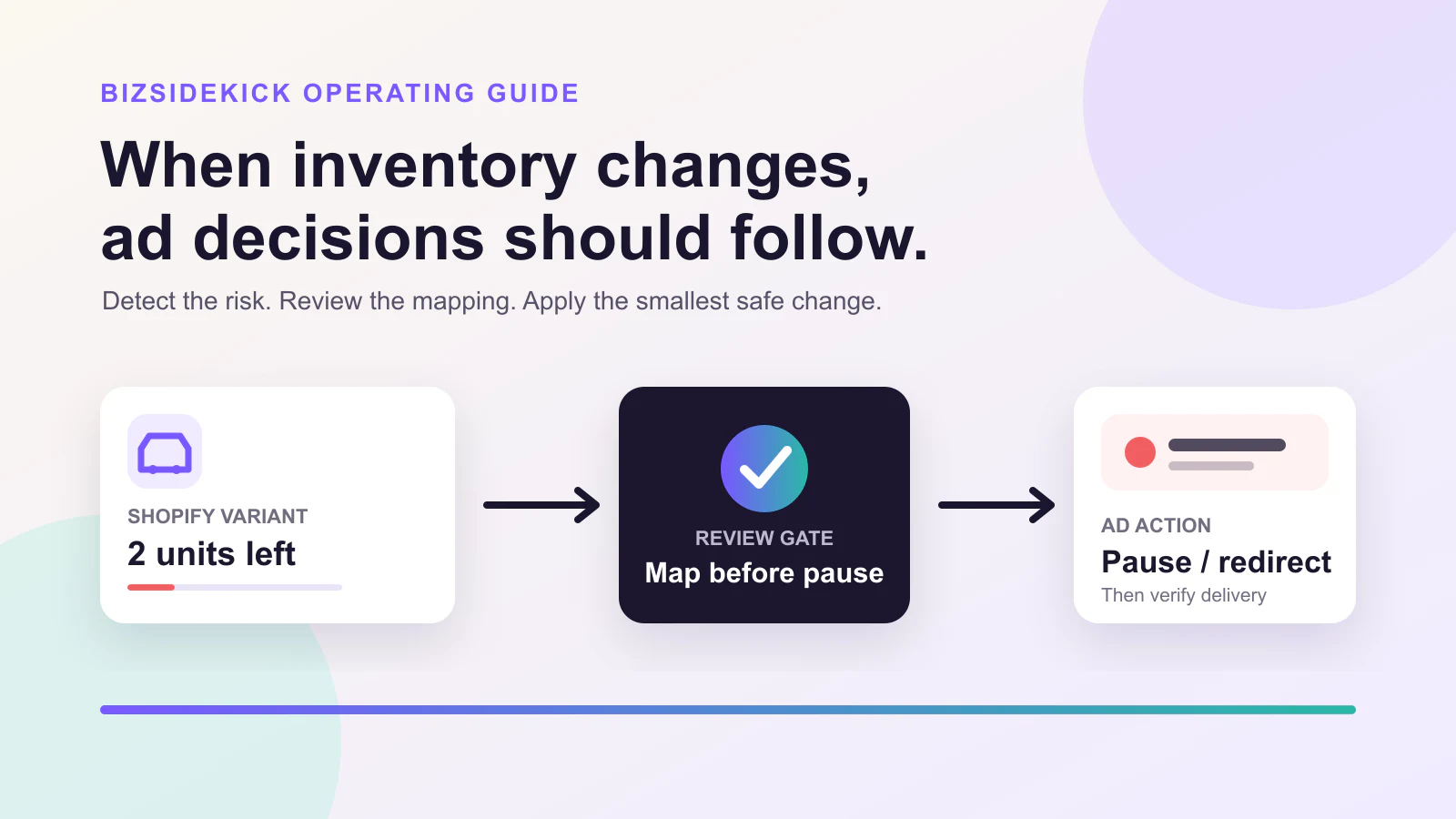
Treat the MCP connection as an analysis interface first
An MCP server is not a blanket permission to manage an ad account. Before relying on a Meta Ads MCP connection, verify its current server documentation, connected account scope, available read and write operations, and approval behavior. This article does not assume a specific Meta MCP server, endpoint, or tool set.
The durable workflow is:
- State the campaign decision to support.
- Collect a bounded evidence set.
- Identify what the connection can actually read or propose.
- Prepare a before-and-after change request.
- Require the account owner’s confirmation where a governed action is available.
- Verify delivery and activity history in Meta after the change.
Build a campaign evidence pack
Meta organizes ads through campaigns, ad sets, and ads. Meta’s ad setup guide describes that hierarchy, and its delivery status guide shows that delivery status must be checked at the relevant level.
For a promotion or efficiency question, collect:
| Evidence | Reader question | Boundary |
|---|---|---|
| Objective and optimization event | What is this campaign trying to do? | Do not infer intent from its name alone |
| Date window and spend | Is this a complete, comparable period? | Exclude current partial periods |
| Delivery at campaign/ad set/ad | Is the scope actually active? | Parent state is not the whole story |
| Audience, placement, and destination | What changed in exposure or landing path? | Preserve account-specific settings |
| Commerce and inventory cross-check | Can the advertised promise still be fulfilled? | Attribution is not realized revenue |
Turn evidence into a reviewable proposal
The useful output is not “optimize this campaign.” It is a small proposed decision with its evidence and limits.
| Proposed decision | Required evidence | Stopping condition |
|---|---|---|
| Hold and investigate | A changed metric plus a comparable prior period | Tracking, promotion, or inventory data is missing |
| Reduce exposure | Confirmed active delivery and an agreed guardrail | The affected scope cannot be isolated |
| Pause a narrow unit | A non-fulfillable destination or clear policy exception | The product-to-ad mapping is uncertain |
| Restore delivery | Current landing page, inventory, and policy state agree | The prior reason for pausing is unresolved |
Use an inventory check before a promotion decision. The Shopify out-of-stock advertising workflow shows how to separate a sold-out variant from a valid preorder or replacement path.
Confirm and verify the provider-side record
Meta says Ads Manager activity history can show changes including run status and budget. Use Meta’s activity-history guidance to review who changed what and when in the account.
After a confirmed change, verify:
- The exact campaign, ad set, or ad has the intended delivery state.
- The destination and customer promise still match the creative.
- The change appears in activity history with the expected values.
- A defined follow-up window exists for spend and conversion review.
Do not promise a universal delivery delay or a particular MCP action. Account setup, server capability, permissions, review state, and platform behavior vary.
Keep the product boundary honest
BizSidekick can use authorized connected data to prepare evidence, flag gaps, and present a reviewable proposal. Whether an action can be applied depends on the selected provider connection and permission; material changes should remain confirmed by a responsible operator.
For broader cross-system controls, read the ecommerce automation guide. When you are ready to review a specific campaign decision from connected evidence, start a governed review.
Keep reading
Continue with a guide that supports your next ecommerce decision.