Google Analytics MCP for Ecommerce: A Safe Read-Only Reporting Workflow

Start with one decision, not a dashboard request
Google documents its Analytics MCP server as read-only. That makes it useful for investigating a reporting question without turning a chat prompt into an unreviewed change.
For an ecommerce team, the useful sequence is:
- Name the decision: investigate, hold, or change a campaign or landing page.
- Bound the evidence: GA4 property, complete date range, metric, dimension, and segment.
- Ask for the smallest report that can answer the question.
- Check the result against commerce and ad-platform evidence.
- Record the interpretation, uncertainty, and next owner.
An MCP result can explain what changed in a report. It cannot, on its own, prove why conversion changed or authorize a budget, creative, or site change.
Choose a question GA4 can answer
Good prompts specify the decision and the reporting contract. For example:
Compare the last two complete weeks for organic landing pages. Return sessions, ecommerce purchases, purchase revenue, and purchase conversion rate. Exclude the current partial week and flag pages with enough traffic to investigate.
The exact property and available metrics depend on the connected account. Google’s GA4 ecommerce documentation explains the events and parameters that make ecommerce reporting possible. If the implementation does not send the needed events or values, label the result incomplete rather than estimating it.
Use this evidence contract
| Field | Example | Why it matters |
|---|---|---|
| Decision | Investigate a landing-page decline | Stops metric tourism |
| Date basis | Two complete weeks | Avoids partial-period comparisons |
| Metric | Purchases and purchase conversion rate | Separates volume from efficiency |
| Dimension | Landing page and default channel group | Keeps the comparison explainable |
| Exclusions | Internal traffic; known outage window | Makes the result reviewable |
| Confirmation | Shopify order trend and change log | Prevents a one-source conclusion |
Investigate before you explain
A safe reporting workflow follows detect → investigate → propose → approve → apply → verify.
Detect a meaningful change
Compare like-for-like periods first. A daily spike, a partial day, or a sale window may be real but still be a poor basis for a decision. Keep both the absolute count and the rate visible; a conversion rate can move sharply on a small denominator.
Investigate the reporting boundary
For a landing-page question, check whether the page mix, channel mix, device mix, country, and event coverage changed. For a checkout question, confirm that the relevant ecommerce events are present before inferring friction.
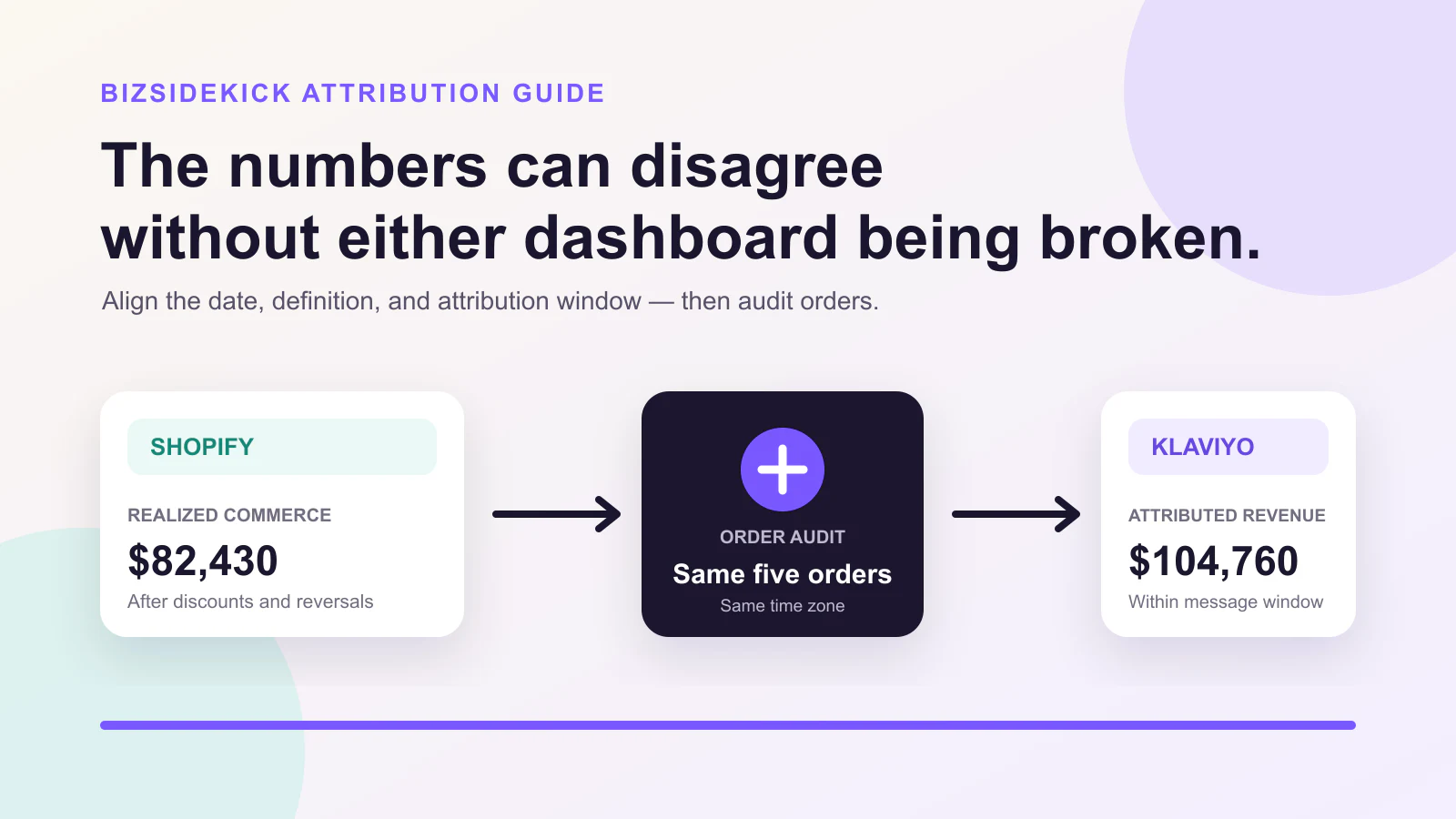
GA4’s report is one layer of evidence. Shopify is the commerce ledger; an ad platform is its own attribution ledger. Their totals may differ because they describe different events and attribution rules. The practical comparison method is covered in Klaviyo vs Shopify revenue.
Propose only the next investigation
Turn the result into a small, testable next step:
| Finding | Safe next step | Do not conclude yet |
|---|---|---|
| Sessions fell but conversion rate held | Check ranking, campaign delivery, and tracking changes | That the page became less persuasive |
| Sessions held but purchase rate fell | Check product availability, checkout events, and device mix | That ads should be paused |
| Revenue fell while purchases held | Check basket mix, discounts, and refund timing | That tracking is broken |
| Event coverage is missing | Repair measurement before comparison | That customer behavior changed |
Keep the product boundary explicit
BizSidekick can work from authorized connected data to prepare evidence and a reviewable recommendation. It should distinguish a measured fact from an inference, and any governed change remains subject to the connected provider, permissions, and human confirmation.
For a broader operating pattern, see the ecommerce automation guide. If ad spend is at risk because inventory is constrained, use the out-of-stock ad workflow before changing delivery.
A compact reporting brief to reuse
Before asking an assistant to analyze GA4, write:
Decision: [what I may decide]
Property and scope: [authorized GA4 property]
Comparison: [two complete periods]
Metrics and dimensions: [named fields]
Known changes: [promotion, release, outage, tracking change]
Cross-check: [Shopify/ad platform/source]
Stopping condition: [what missing evidence blocks a conclusion]
That brief turns a vague “why are sales down?” request into a result another operator can review. When the evidence supports a concrete next step, connect your data and prepare a review rather than applying a change from a single report.
Keep reading
Continue with a guide that supports your next ecommerce decision.